Page 82 FTDX1200 Operating Manual

CW CONVENIENCE FEATURES Cont's

Previous Page    Index of Topics    Table of Contents    Index of Pages    Next Page

USING CW REVERSE

If you experience a difficult interference sistuation, where an interfering station cannot readily be eliminated, you may wish to try receiving using the opposite sideband. This may move the interfering station's frequency in a direction that may lend itself more readily to rejection.


    1. To start, let's use a typical example where you have set the CW mode (using the default "USB" injection).

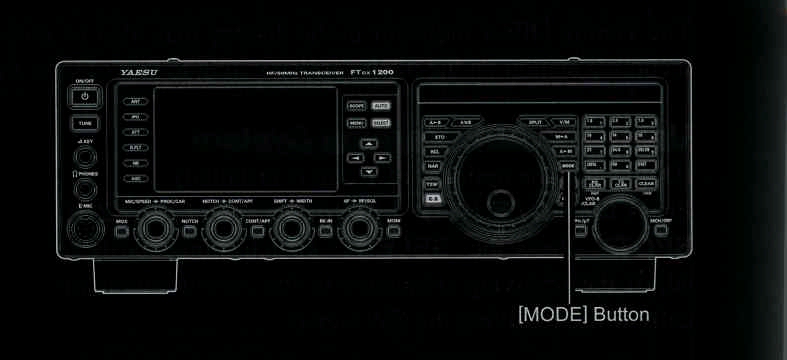
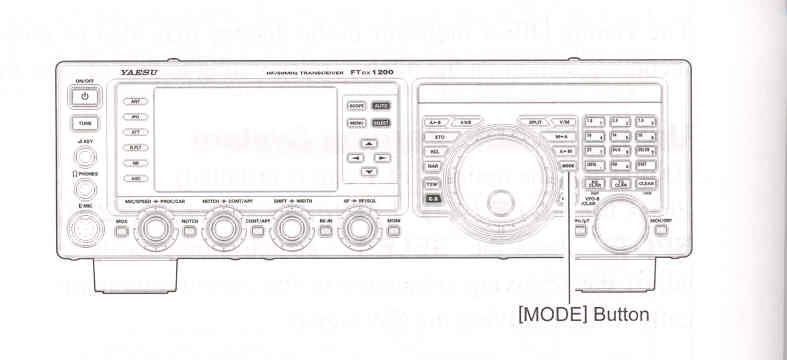
    2. Now be sure your mode selection is still set for VFO-A, and then press and hold in the [MODE] button for one second. The "LSB" and "CW" will appear in the display, indicating that the "LSB" injection side has now been selected.

    3. To return to the normail (USB) injection and cancel CW Reverse operation, press and hold in the [MODE] button for one second (the "USB" and "CW" will appear in the display).

NOTE:
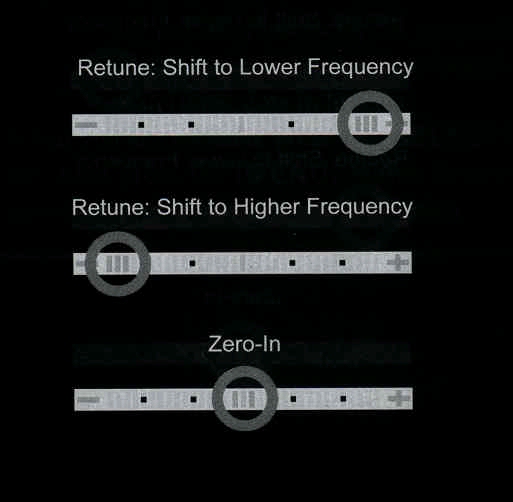
When CW Reverse is engaged, the action of the Tuning Offset Indicator will also be reversed.

When the incoming signal pitch tone is properly aligned, the central red marker lights up whether or not CW Reverse is engaged.


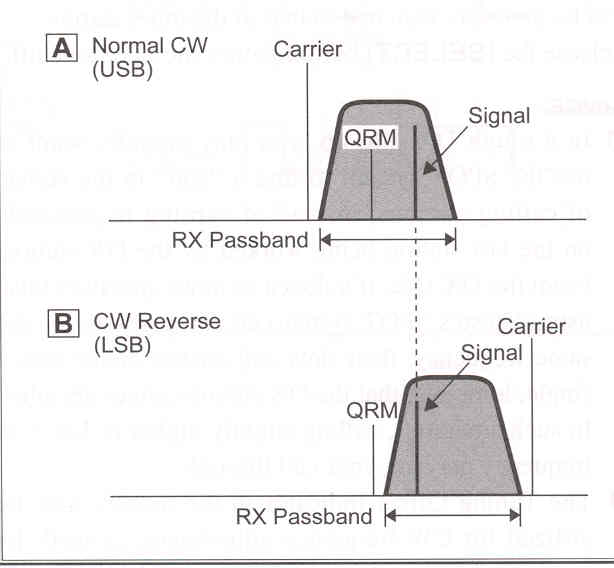
In the illustration, Fugure "A" demonstrates the normal CW injection setup, using the USB side.

In Fugure "B", CW Reverse had been engaged to receive using LSB-side injection and eliminate interference.

The beneficial effect of switching sidebands can be clearly seen in this example.


End of "Using CW Reverse"

Cont's Next Page "CW Convenience Features"

Previous Page    Index of Topics    Table of Contents    Back to Top    Index of Pages    Next Page

Page 82 FTDX1200 Operating Manual